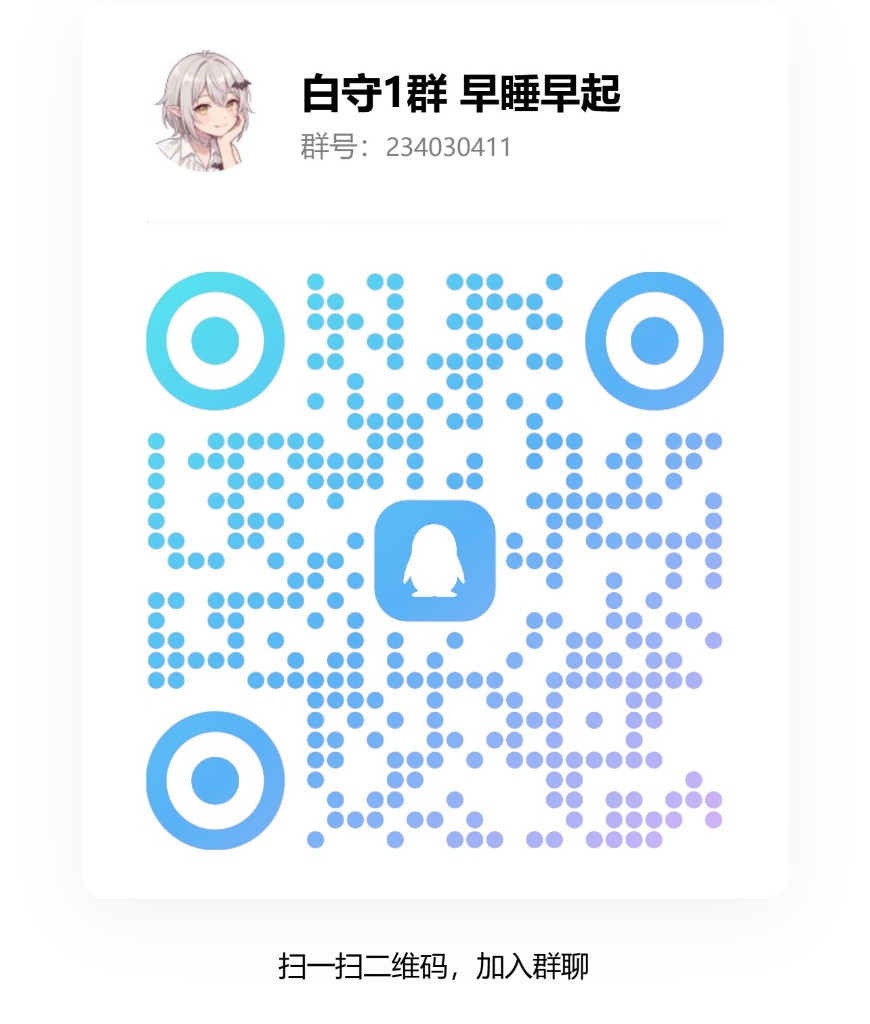
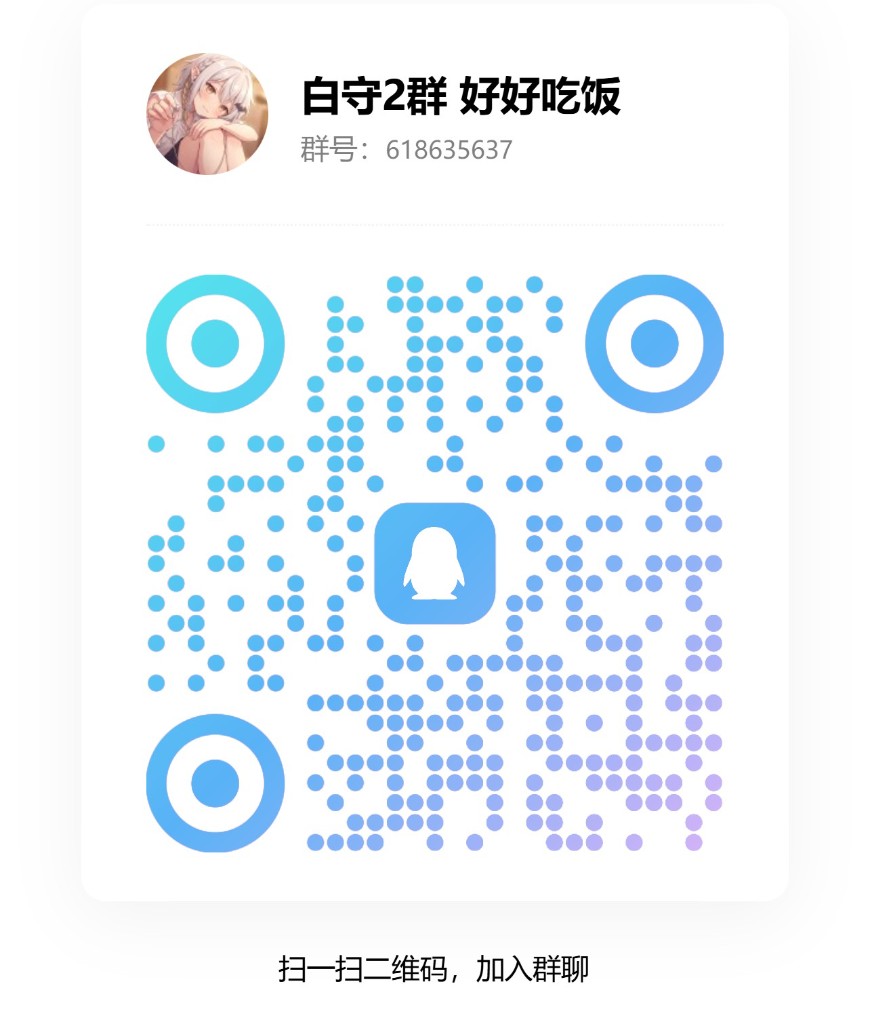
First turn on MCP in BaiShou and copy the URL that ends with /mcp. Keep BaiShou running.
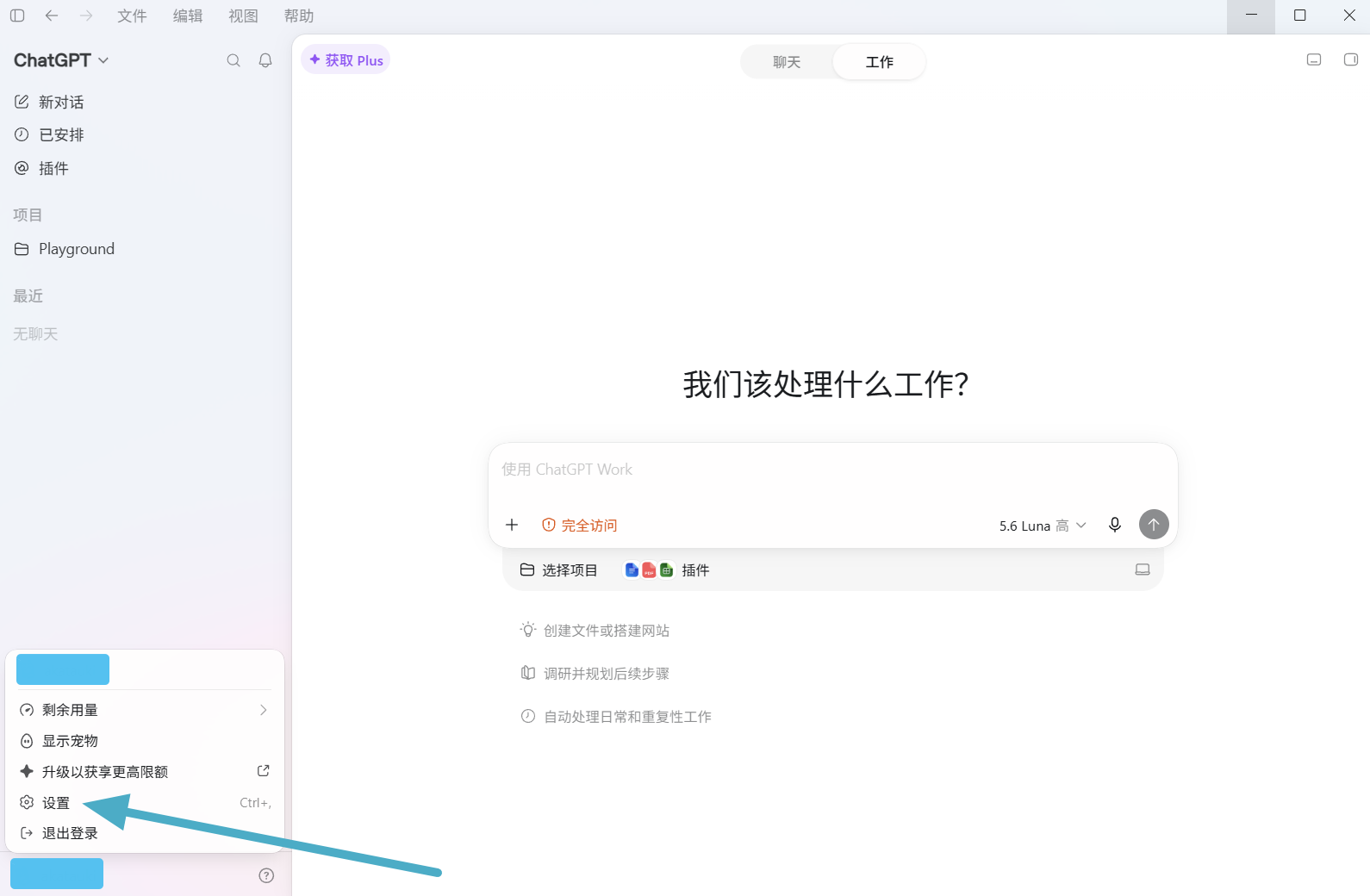
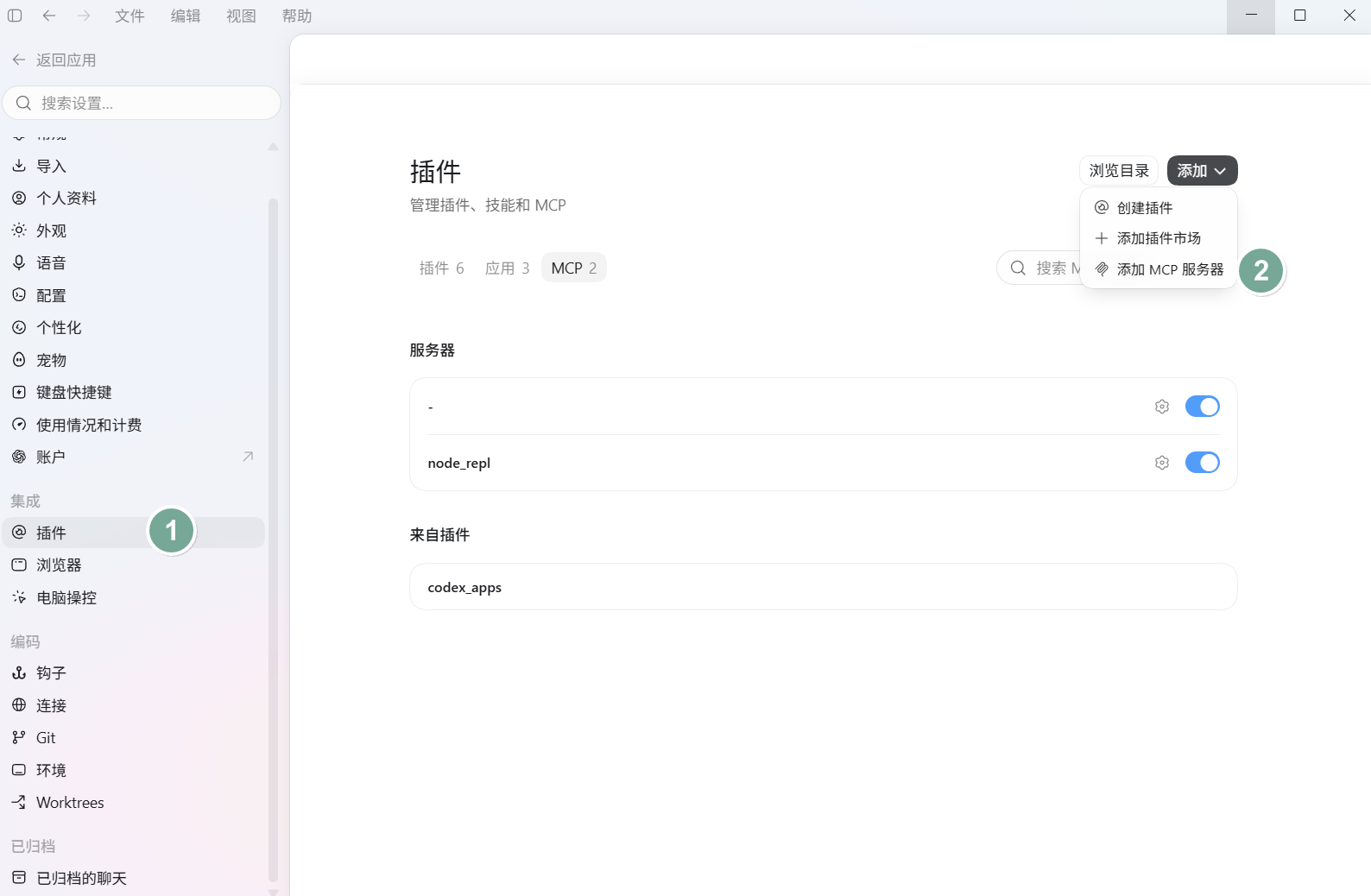
Open the avatar menu in the bottom left and click Settings (Ctrl+,).
Go to Plugins, open the MCP tab, click Add, then Add MCP server.
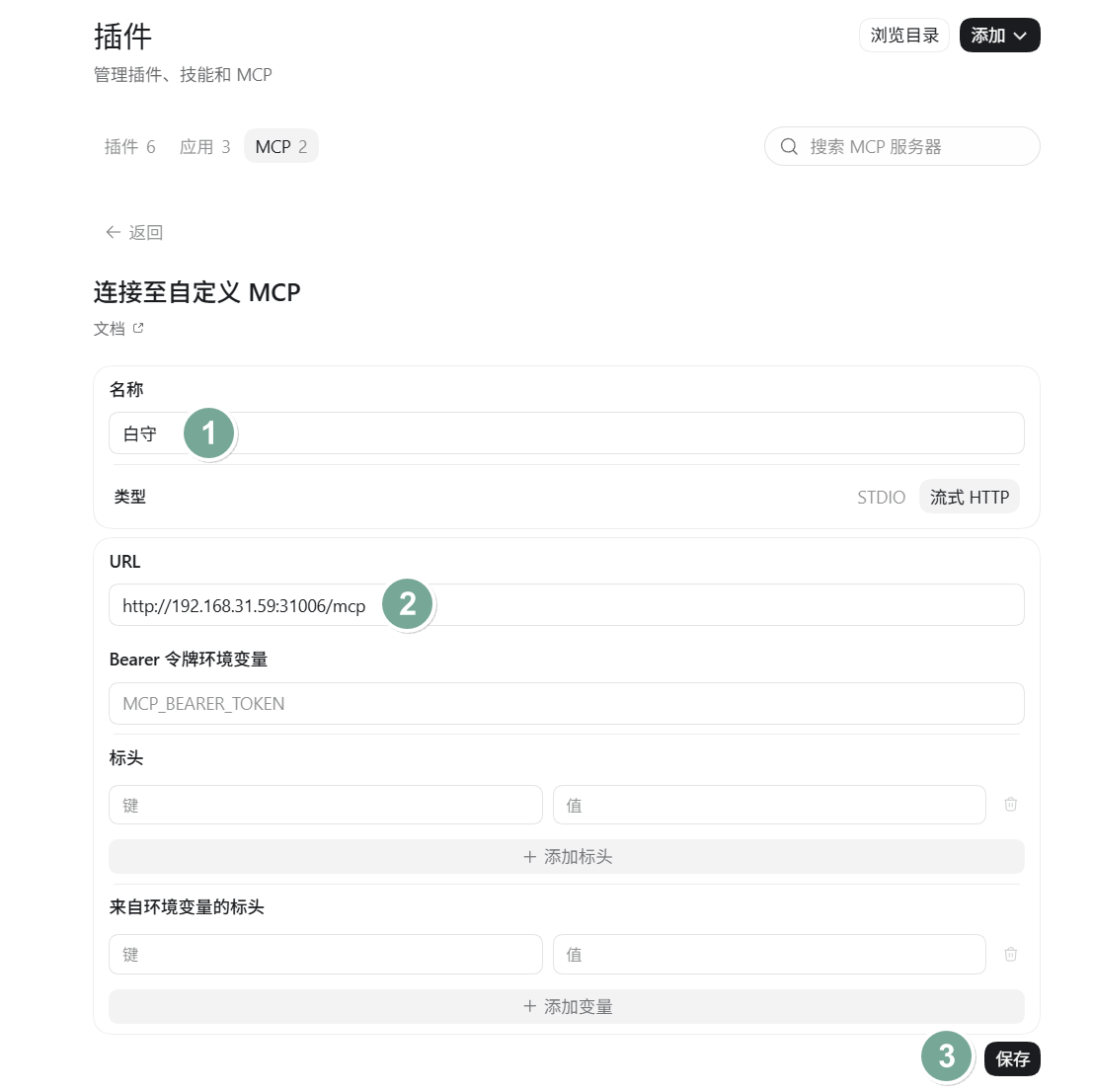
白守 (or BaiShou)./mcp.If BaiShou authentication is on, fill in the Bearer token or headers. In the screenshot auth is off, so those fields can stay empty.
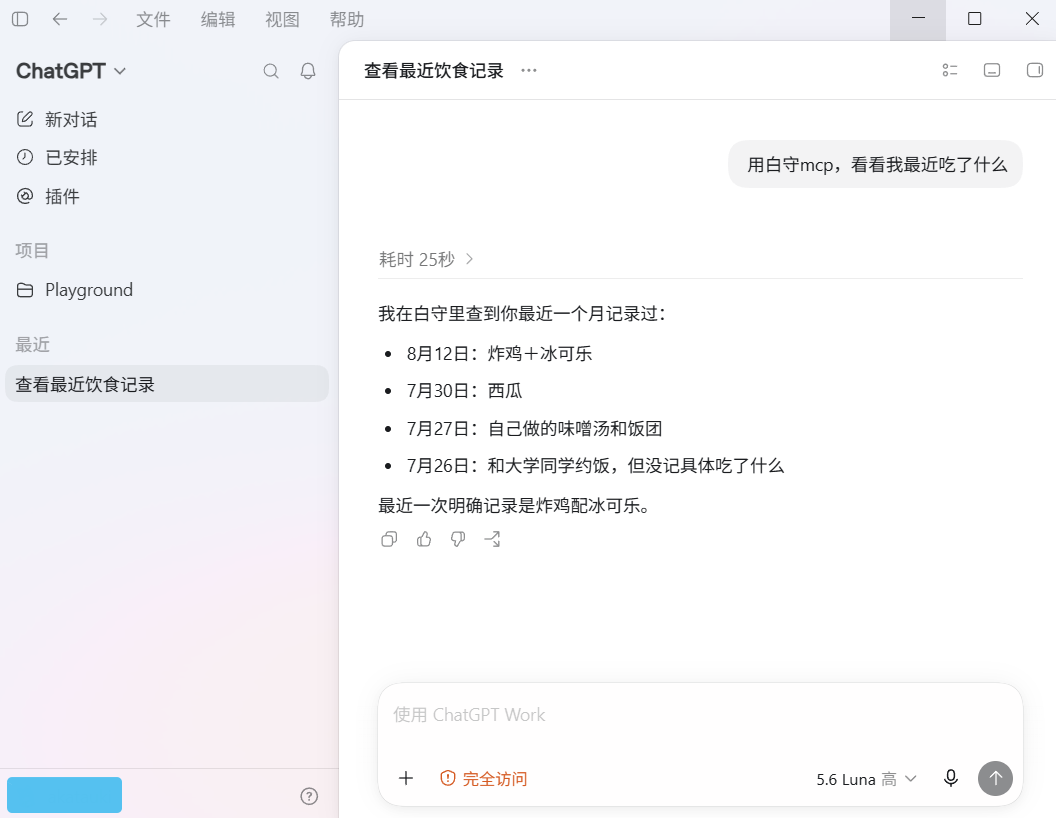
Back in chat, say “use BaiShou MCP, what have I eaten lately?” If it lists diary entries, you are connected.