First turn on MCP in BaiShou and copy the URL that ends with /mcp. Keep BaiShou running.
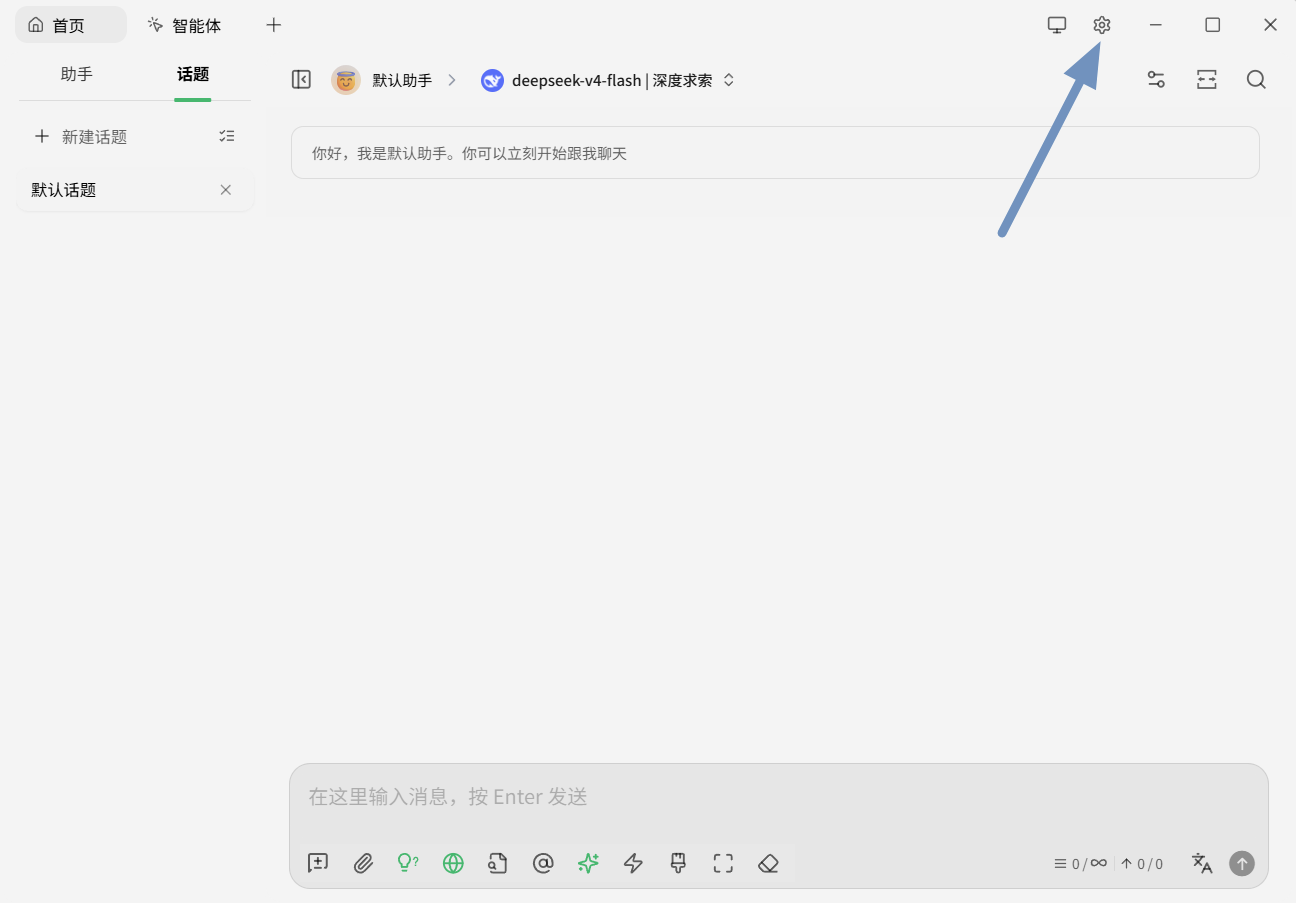
Click the gear in the top-right corner.
Select MCP Servers on the left, click + Add, then Quick Create.
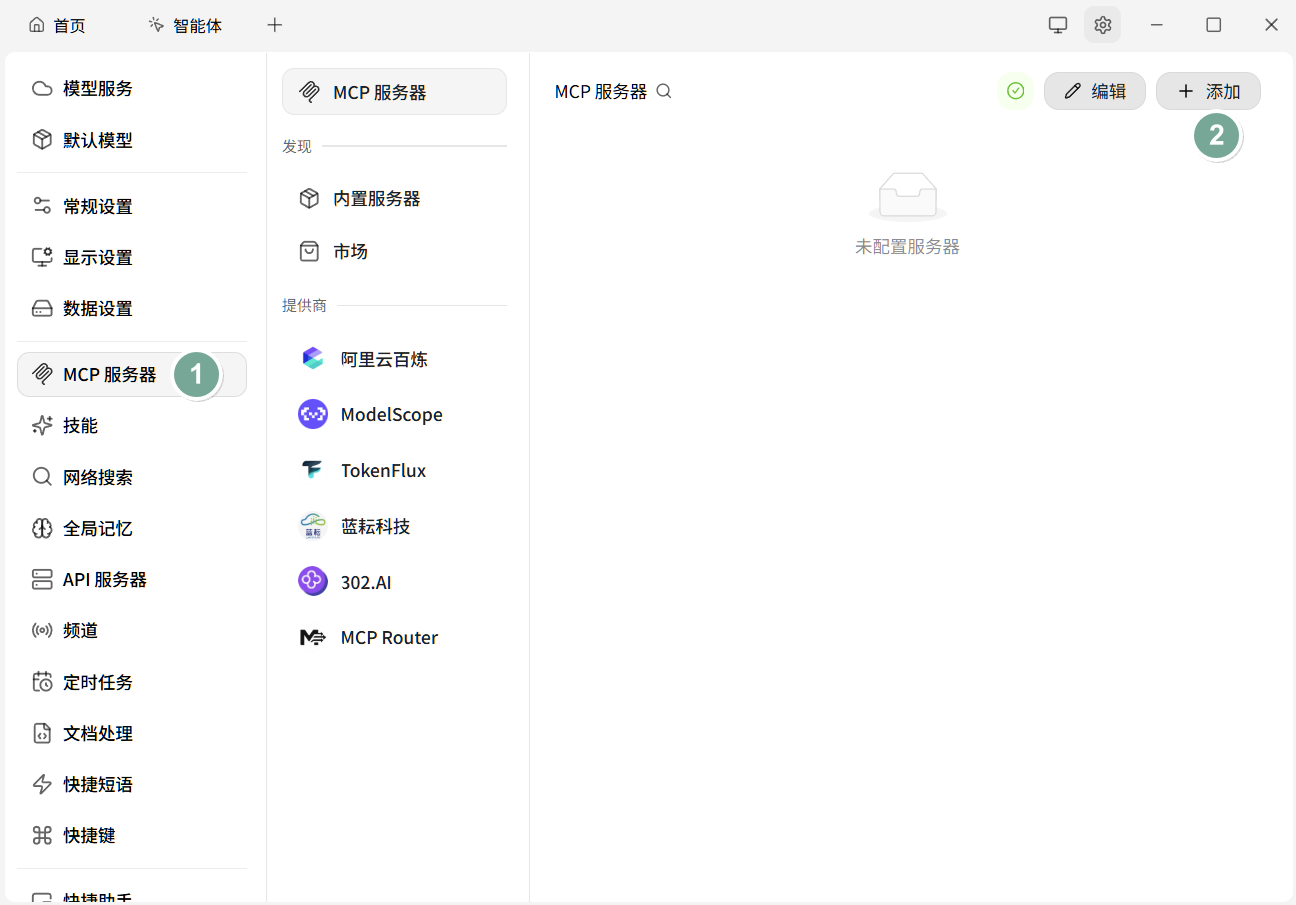
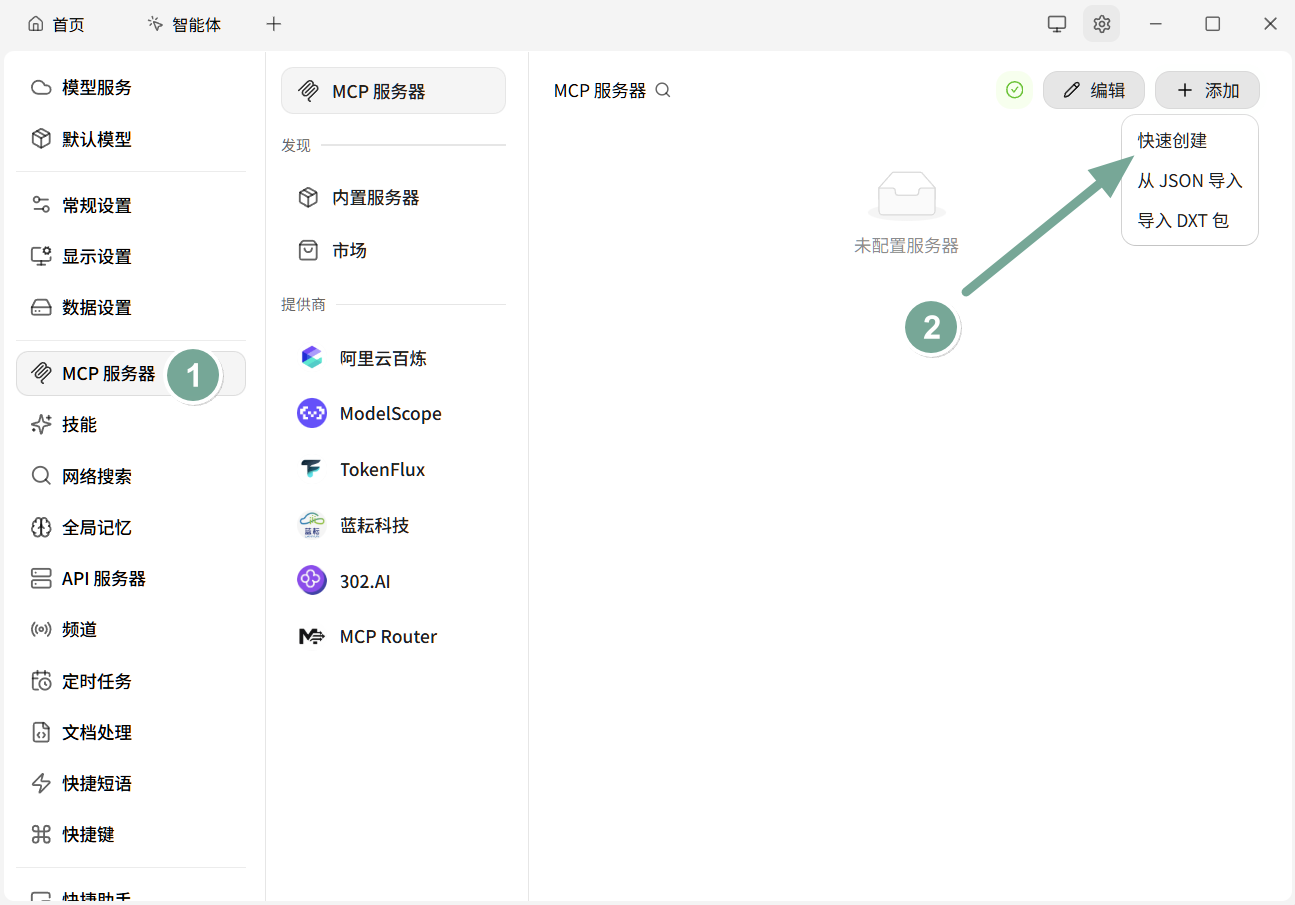
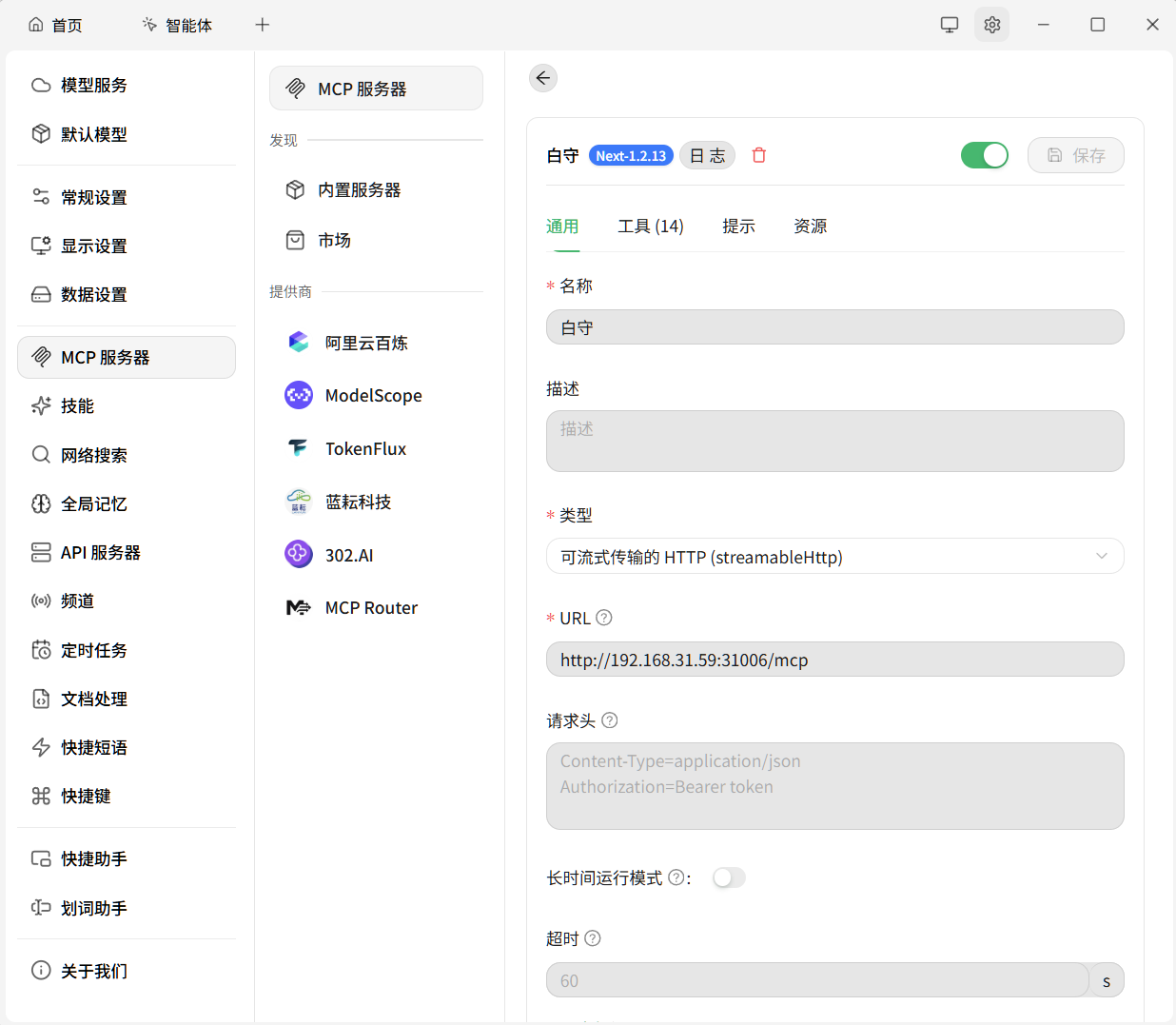
On the General tab:
| Field | Value |
|---|---|
| Name | 白守 |
| Type | Streamable HTTP (streamableHttp) |
| URL | the connection address from BaiShou, ending in /mcp |
Turn the switch on and save. If BaiShou authentication is on, add Authorization=Bearer <token> under Request headers.
A (14) on the Tools tab means it connected.
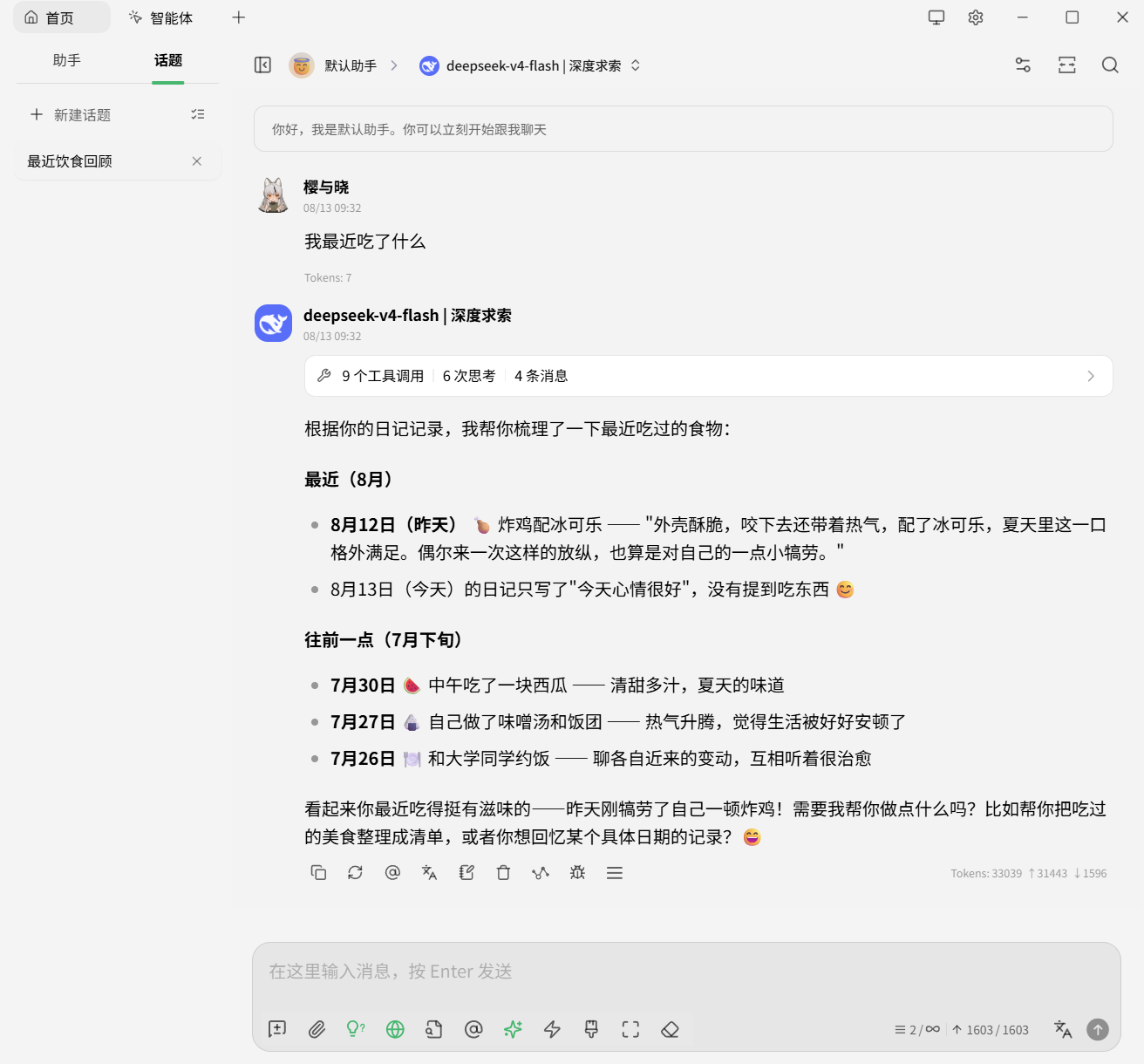
Go back to chat and ask “what have I eaten lately?” Several tool calls plus diary content means it is working.